April 23, 2026
Article
Adobe MotionStream: Real-Time AI Video Control That’s Finally Making Generative Video Usable
Adobe just dropped MotionStream—an experimental AI tool that lets you drag, direct, and perfect AI-generated videos while they’re rendering in real time. Say goodbye to text-prompt guesswork and endless re-renders. Here’s why this could change video creation forever.
Why AI Video Has Been a Creative Nightmare—Until Now
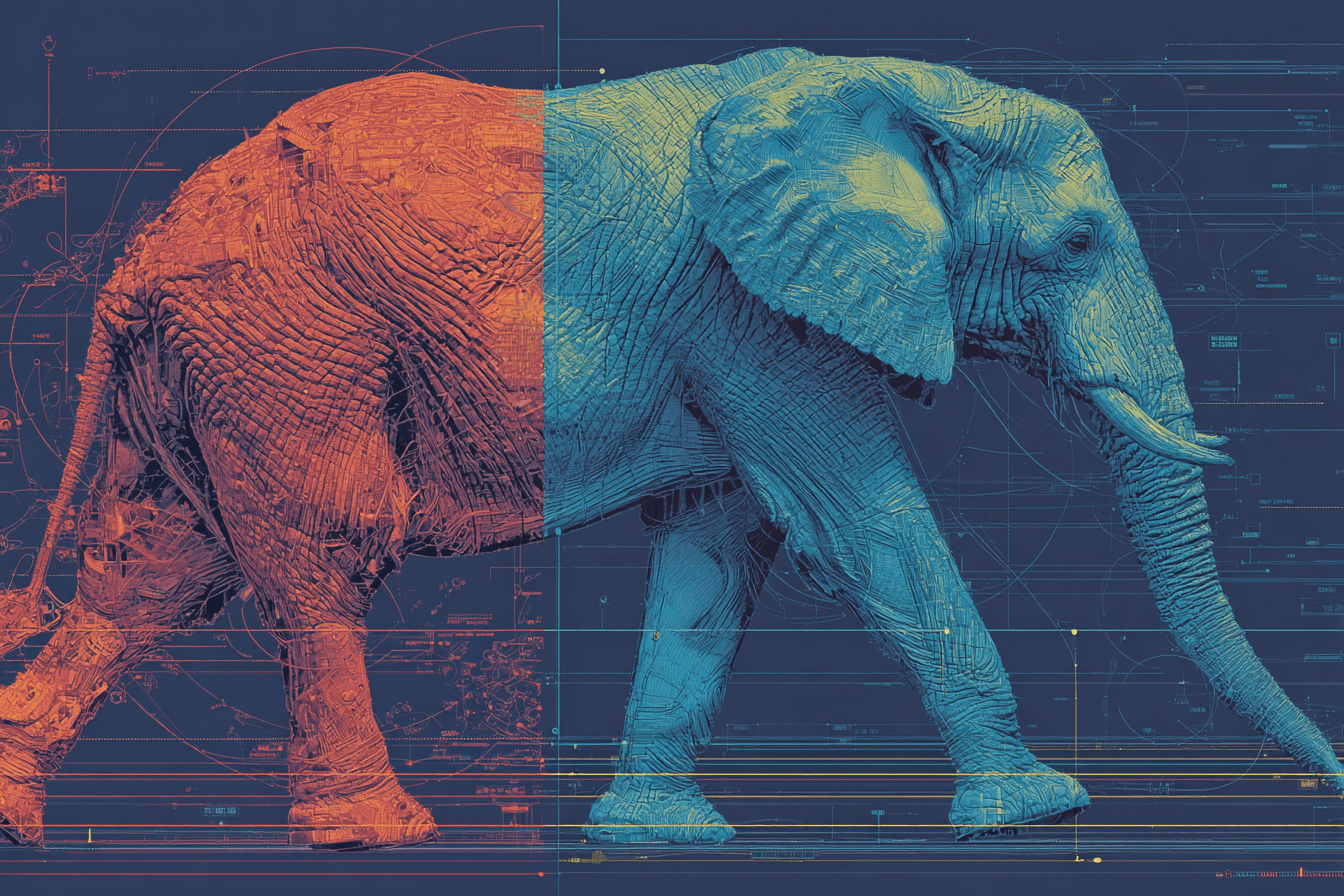
If you’ve ever tried generating video with AI, you know the pain. You type a detailed prompt, wait minutes (or longer), and get… something close but not quite right. The elephant walks stiffly. The camera drifts weirdly. A background element morphs into something unrecognizable.
Worse, fixing it means starting over. Traditional AI video tools force you into a frustrating loop: prompt → wait → judge → tweak → repeat. It kills momentum, wastes time, and leaves creators wondering if AI video will ever move beyond flashy demos into real production workflows.
On April 10, 2026, Adobe Research changed the game with MotionStream. This experimental technology doesn’t just generate video faster—it lets you direct it live, like a virtual film set where you can click, drag, and steer objects and cameras in real time as the footage streams. No more waiting for a full render to discover the motion looks off. You see changes instantly and refine on the fly.
It’s not another text-to-video model. It’s a whole new way to interact with AI video that feels like the leap from static Photoshop layers to live, responsive editing.
The Core Problem MotionStream Solves
Current AI video generators excel at creating short, impressive clips from text or images. But they stumble hard on control and speed.
Text prompts are terrible at describing precise motion. Saying “the camera slowly pans left while the dog runs toward the camera with a wagging tail” rarely delivers exactly what you envisioned. Secondary movements—flapping ears, rippling water, natural physics—become mangled or inconsistent.
Generation speed compounds the issue. Most models process the entire clip at once using non-causal attention, meaning every frame looks at every other frame for consistency. Great for quality, terrible for iteration. You’re stuck waiting, then disappointed, then repeating.
Adobe’s MotionStream flips this script entirely. It starts like any other AI video tool—with a text prompt or reference image—but then hands you the director’s chair. As the video begins streaming, you use your mouse to:
Click and drag objects to control their paths
Adjust camera angles with simple sliders or drags
Mark elements as static (red grids lock them in place)
Paint trajectories for complex group movements (blue grids for pre-drawn paths)
The result? A live preview at up to 29 frames per second with sub-second latency on a single GPU. You watch the video unfold and steer it in real time.
How MotionStream Actually Works (The Magic Under the Hood)
The breakthrough is technical but brilliantly simple in practice.
MotionStream uses an autoregressive approach. Instead of generating the full video in one go, it creates the footage in small streaming chunks. Future frames only depend on what’s already been generated—exactly how the real world works. While you watch and interact with the first segment, the system quietly renders the next one in the background.
This is powered by clever innovations from the research team (including Eli Shechtman, Richard Zhang, and collaborators):
Sliding-window causal attention with “attention sinks” keeps context stable over long videos without quality drift.
Self-forcing distillation turns a powerful but slow bidirectional teacher model into a fast, interactive causal student.
Real-time physics simulation baked into the model handles natural secondary effects automatically.
As Shechtman explains: “The underlying video generator behind MotionStream is basically simulating the world in real time. So, the elephant’s legs move naturally, and the ears flap naturally as the elephant moves. The model provides you with knowledge about the world and you can interact with it.”
Richard Zhang adds the joy factor: “There’s always this kind of joy when you’re interacting with this technology and seeing what it does.” He gives examples like sloshing water in a glass or rotating a 3D object by dragging just two control points.
Performance is impressive: 29 FPS at 480p and 24 FPS at 720p with 0.4-second latency on an NVIDIA H100 GPU. The public demo (available now on the project site) lets anyone test drag-based object control, camera moves, motion transfer, and even long-form streaming up to thousands of frames.
Why This Matters for Creators, Filmmakers, and Marketers
Imagine storyboarding a commercial. Instead of generating 10 different versions and hoping one works, you start one clip and instantly adjust pacing, camera angles, and object paths until it feels perfect.
Filmmakers get intuitive camera control that mimics real cinematography—dolly zooms, arcing shots, or subtle pans—without complex 3D rigging. Marketers can test multiple product animations in minutes, not hours. Even still-image editors could benefit: Shechtman envisions a future where your canvas is a constantly running video. Make an edit, watch the smooth transition, and stop at the exact frame you love.
It compresses the creative feedback loop dramatically. No more breaking flow to wait for renders. Decisions happen in seconds, not minutes. That speed compounds into better ideas, faster iteration, and higher-quality final output.
Early demos show everything from a border collie running naturally to a chameleon changing color on a moving branch, hot air balloons drifting realistically, and complex camera work on real-world datasets. The physics feel grounded because the model isn’t guessing motion—it’s simulating it.
Limitations and the Road Ahead
MotionStream is still experimental research, not yet integrated into Firefly, Premiere Pro, or After Effects. The public preview is web-based and works best locally to avoid network lag. It shines with moderate, physically plausible motions in relatively stable scenes but can struggle with extreme speed, frequent scene changes, or highly detailed human faces over long durations.
Code is under internal review for potential open-sourcing, but no timeline is confirmed for product integration. Still, the fact that Adobe Research is sharing a live demo this early signals strong confidence.
The Bottom Line: MotionStream Is the AI Video Breakthrough We’ve Been Waiting For
Adobe didn’t just improve AI video generation—they made it interactive. By solving the control and latency problems that have held the technology back, MotionStream turns generative video from a novelty into a true creative tool.
For anyone who creates video—whether you’re a solo creator, agency professional, or motion designer—this feels like the moment desktop publishing democratized design. The barrier between idea and polished footage just dropped dramatically.
Head to the MotionStream project page right now and try the live demo. Drag an object. Steer the camera. Watch the world react in real time.
The age of passive AI video prompts is ending. The era of real-time creative direction has begun.
And Adobe just handed us the steering wheel.
What do you think—will real-time AI video control finally make generative tools essential in your workflow?